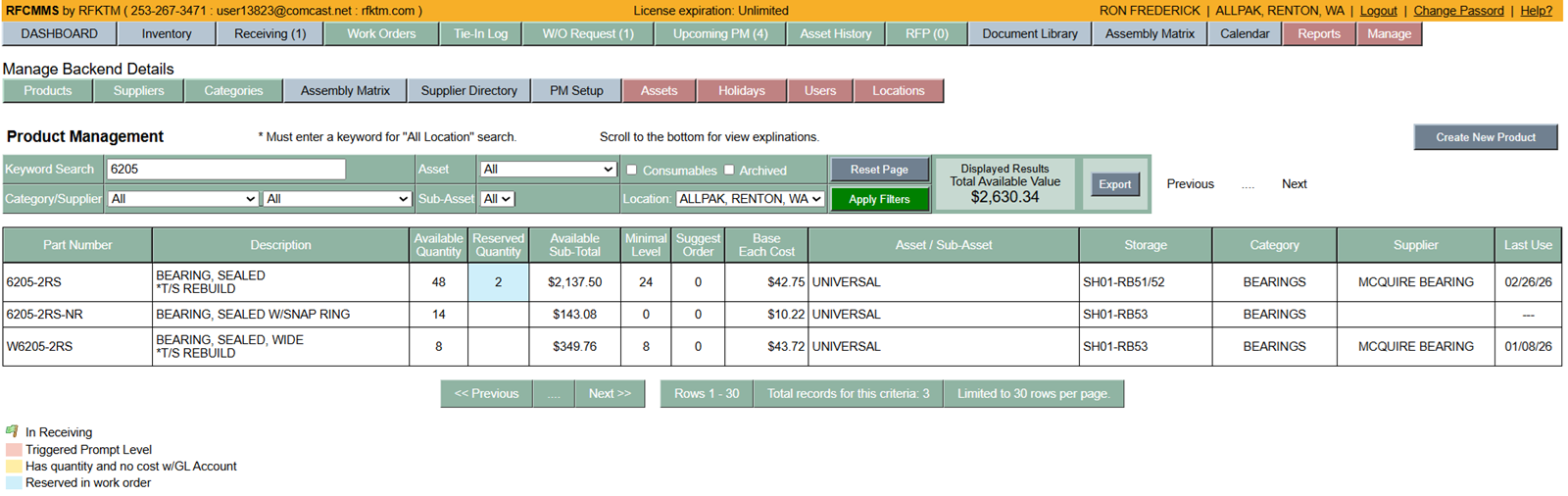
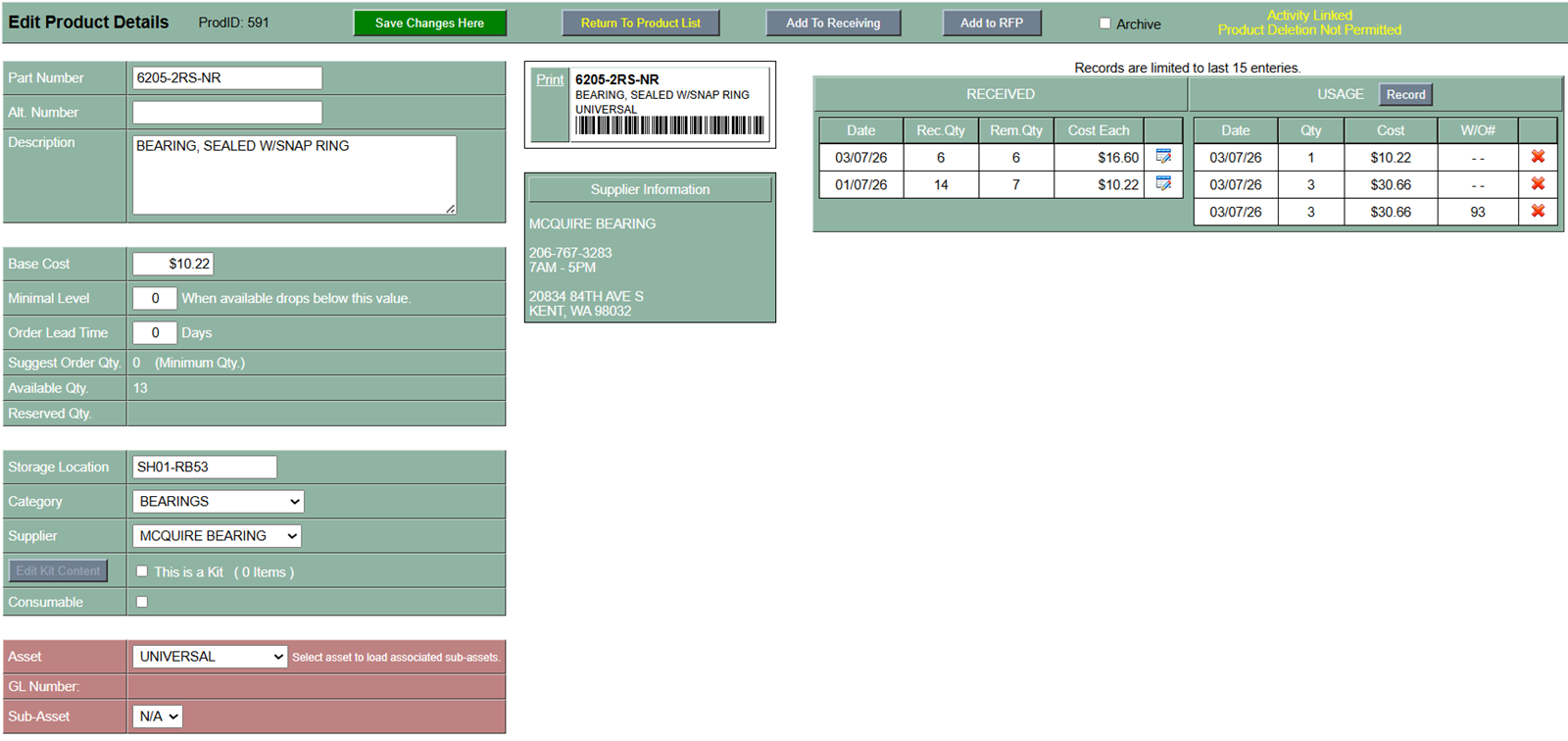
Everything you need is within the below view.
- Inventory deduction is setup as "First In First Out". The system does all the work in the background so the user does not need to make any manual deductions. In the "Help" section explains in detail of how to adjust inventory within this view.
- "Alt. Number" (Alternate Number) is used for a part number that has been superseded by the manufacture. When a part gets replaced by a compatible part number but your parts list/drawing still shows the old part number, you would list your original part number here and put the new part number is the primary field so it can be found in the inventory list.
- Entering the "Order Lead Time" in days will create a suggested order quantity based on how much inventory has been used within that time frame.
- "Reserved Qty" section will show the quantity being reserved within a work order and the work order number.
- "Consumable Checkbox" enables inventory to be deducted by all users through the shared inventory area. This is best used for items that get installed or used by the operators or basic users.
- Once a product has any activity linked, you cannot delete the product. You simple "Archive" the product. In the inventory list view has a checkbox where you can search for archived products incase you need to reactivate the product.
|